


One-click apply
Choose, confirm, and keep the look across Codex refreshes.
From official themes to local AI generation, apply a new workspace in one click and restore it whenever you like.
Codex Themes runs locally and never patches the installed app. It applies layout, color, and decoration safely, with a one-click return to the official look.
Choose, confirm, and keep the look across Codex refreshes.
No app.asar patches, no API keys, and a clean reset whenever you want.
Start with a brief or reference image and generate artwork plus a theme recipe locally.
Apply a finished look, build one visually, or let your local Codex turn a brief and reference image into a complete theme—all in one desktop app.

Browse official themes, open the desktop app from the web, confirm, and switch instantly—with restore always available.
Browse official themes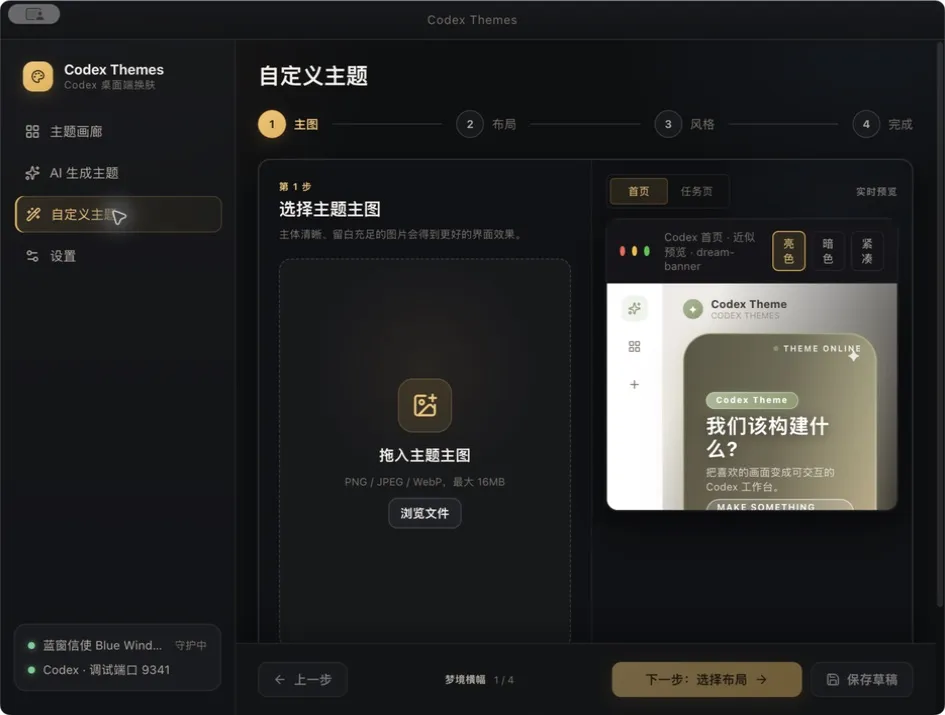
Upload artwork, choose a layout, and tune colors, transparency, and focus with live home and conversation previews.
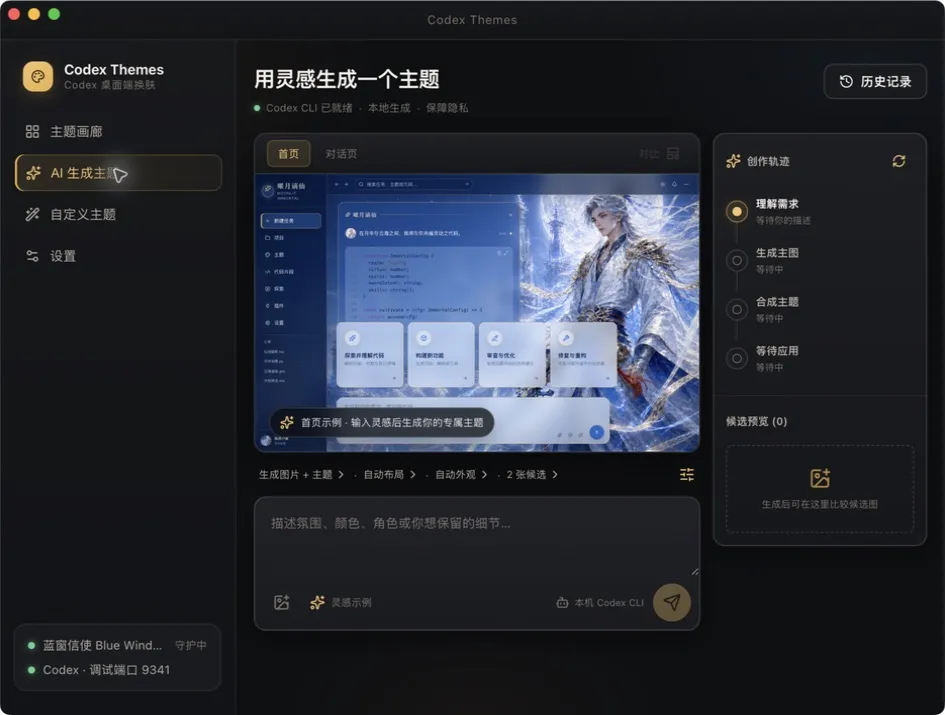
codex · theme.generate() Describe an idea or attach a reference image, then let your local Codex CLI generate artwork, layout, and palette.

深夜电影感人物、动态呼吸光影与透明对话层构成的沉浸式 Codex 工作台。
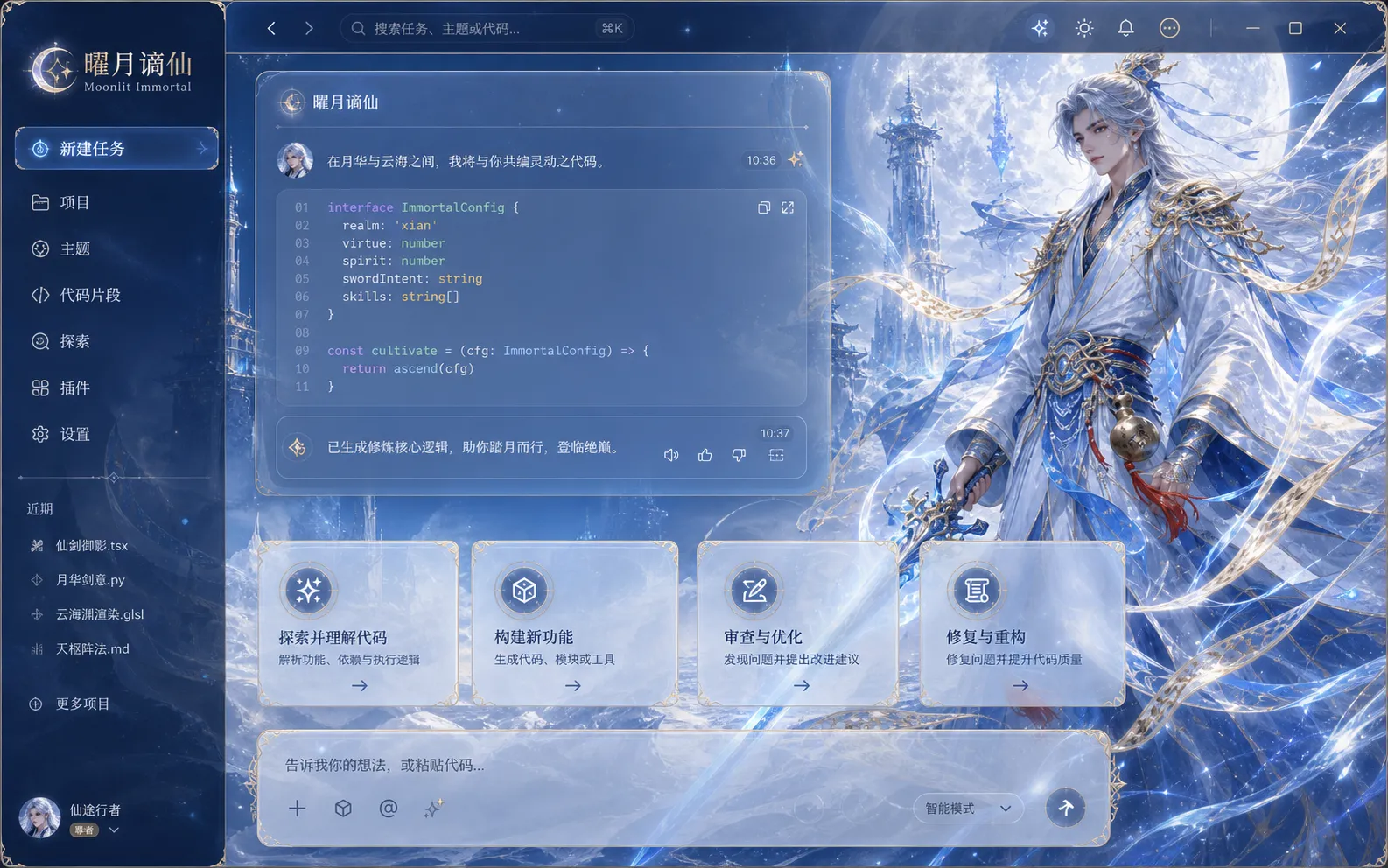
A bright Eastern-fantasy workspace shaped by white-gold moonlight, ice-blue sword arrays, and a celestial cloud city.
 Popular
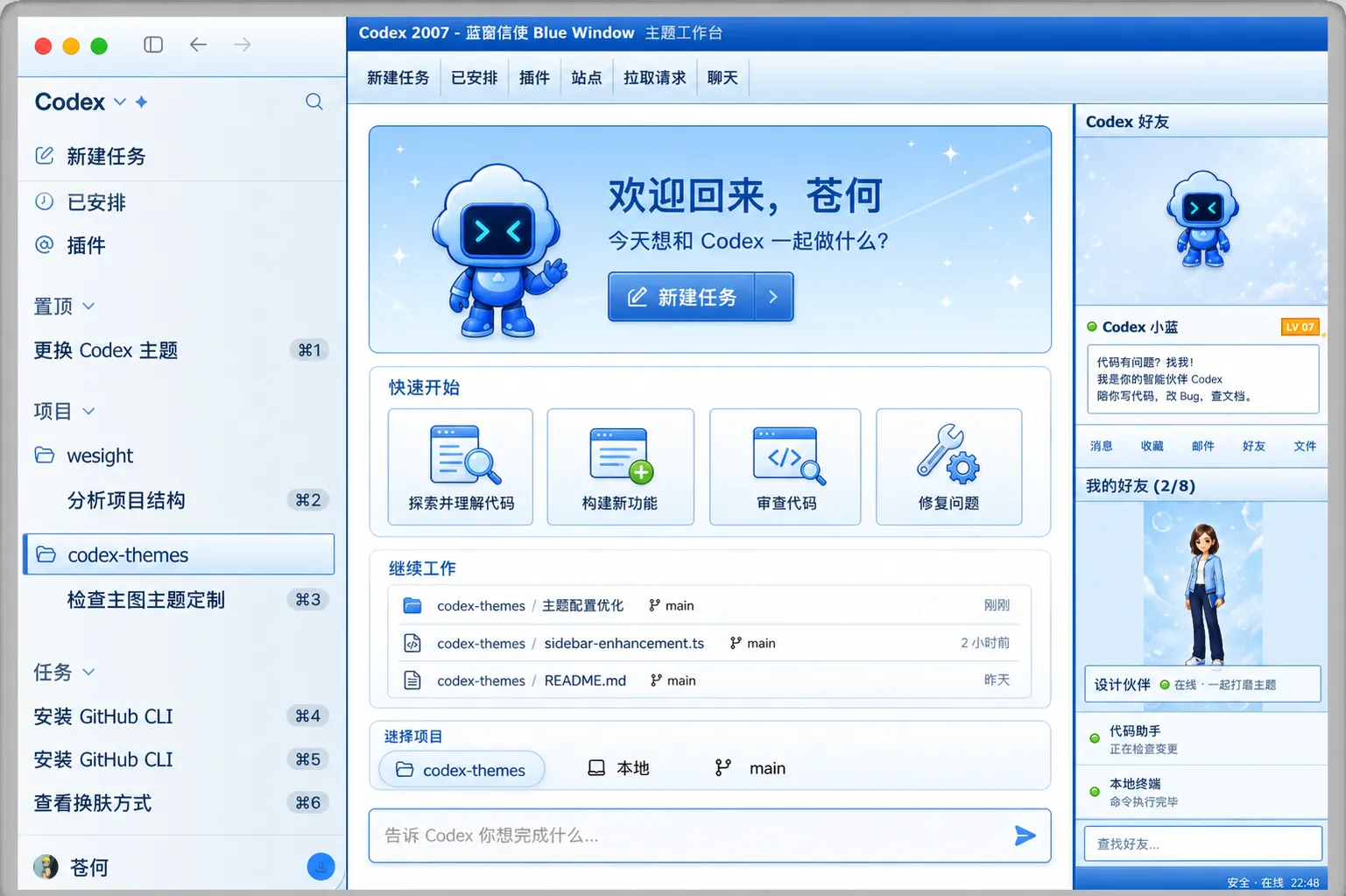
 A high-density retro workspace with a three-column messenger layout, XP-blue window chrome, and compact task panels.
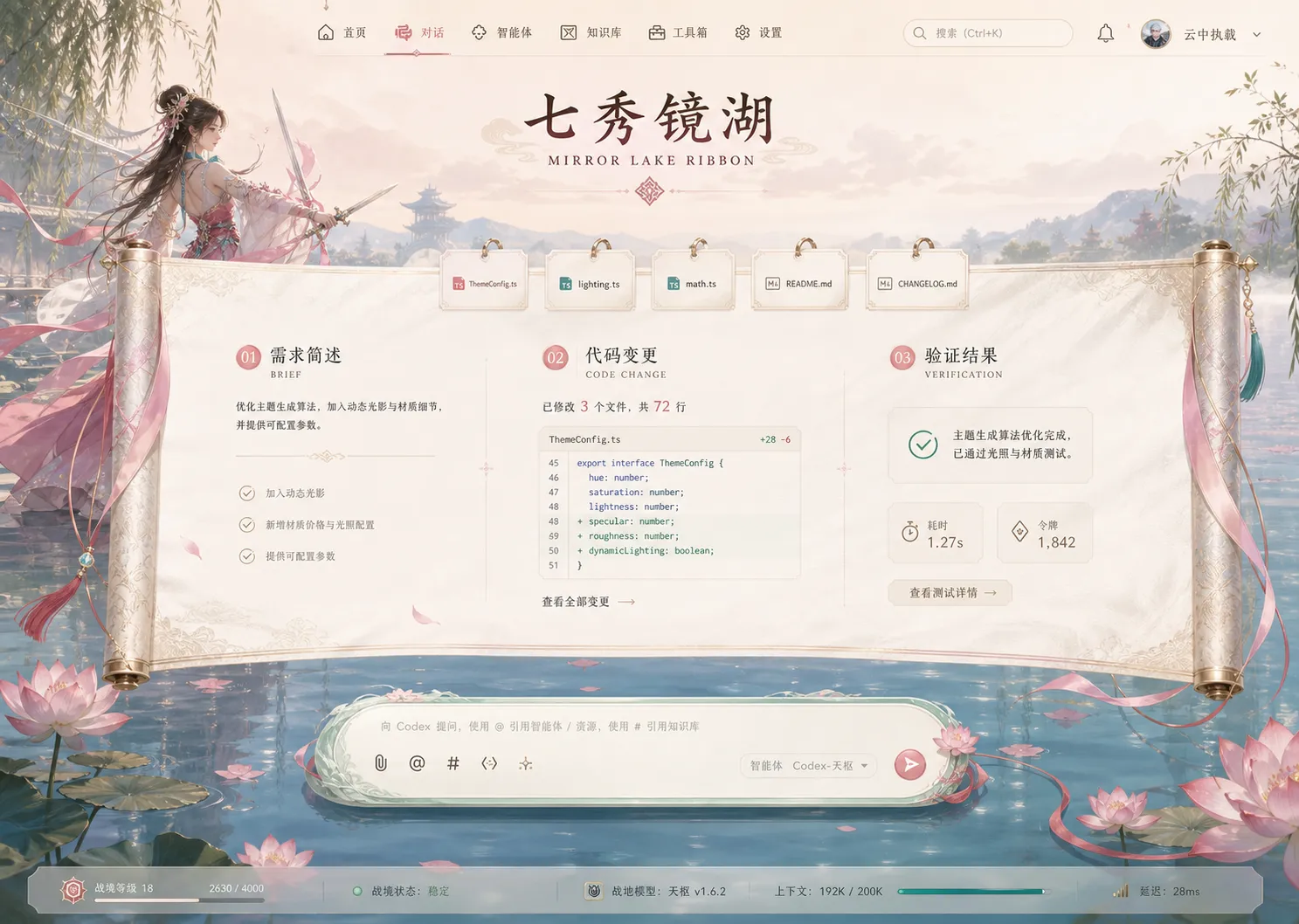
An airy Eastern-fantasy workspace with a lotus-covered mirror lake, ribbon-sword choreography, and a horizontal silk-scroll task flow.
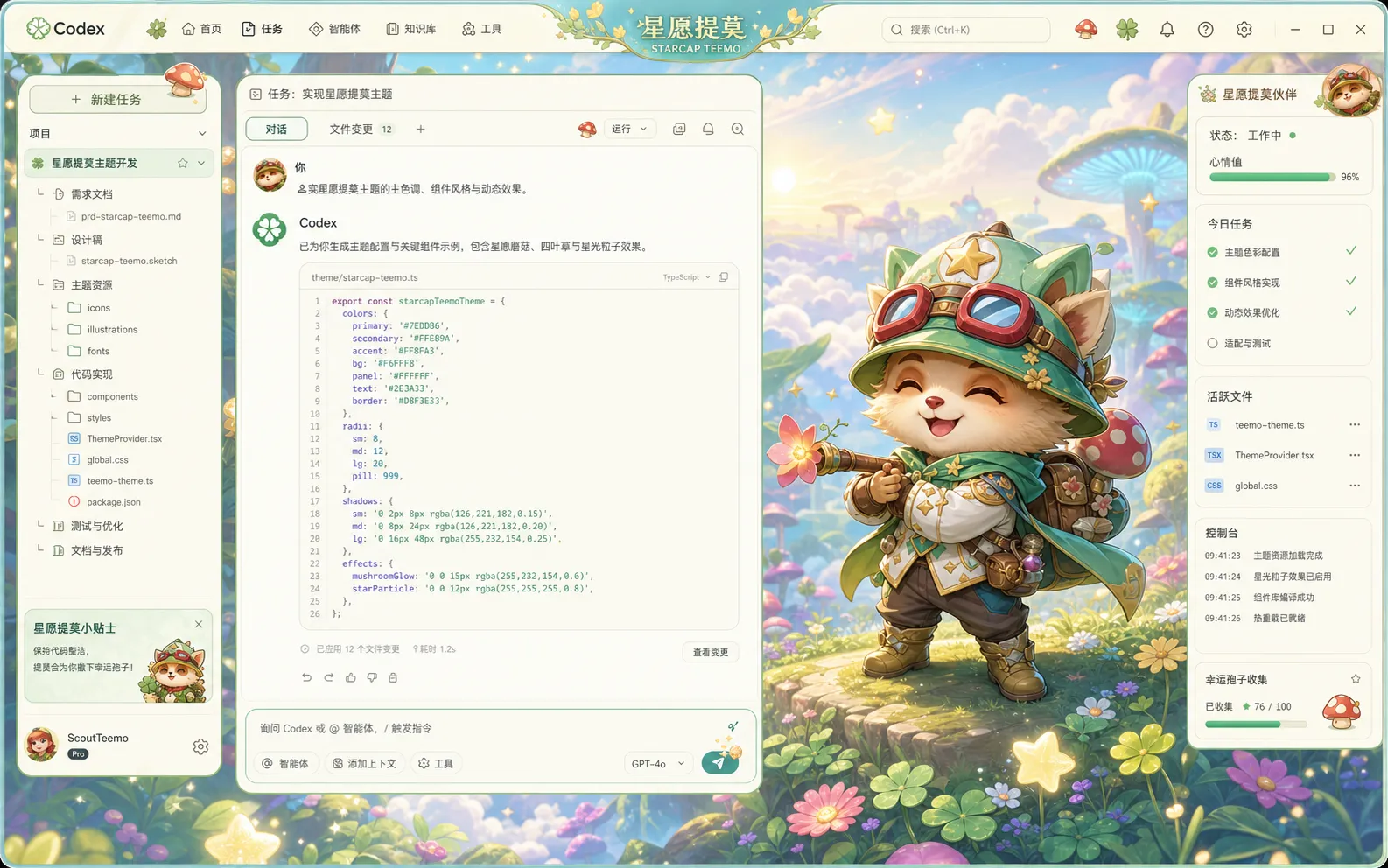
A bright, adorable fantasy workspace with a mint-green scout, starlit spores, and a cloud-top mushroom forest.
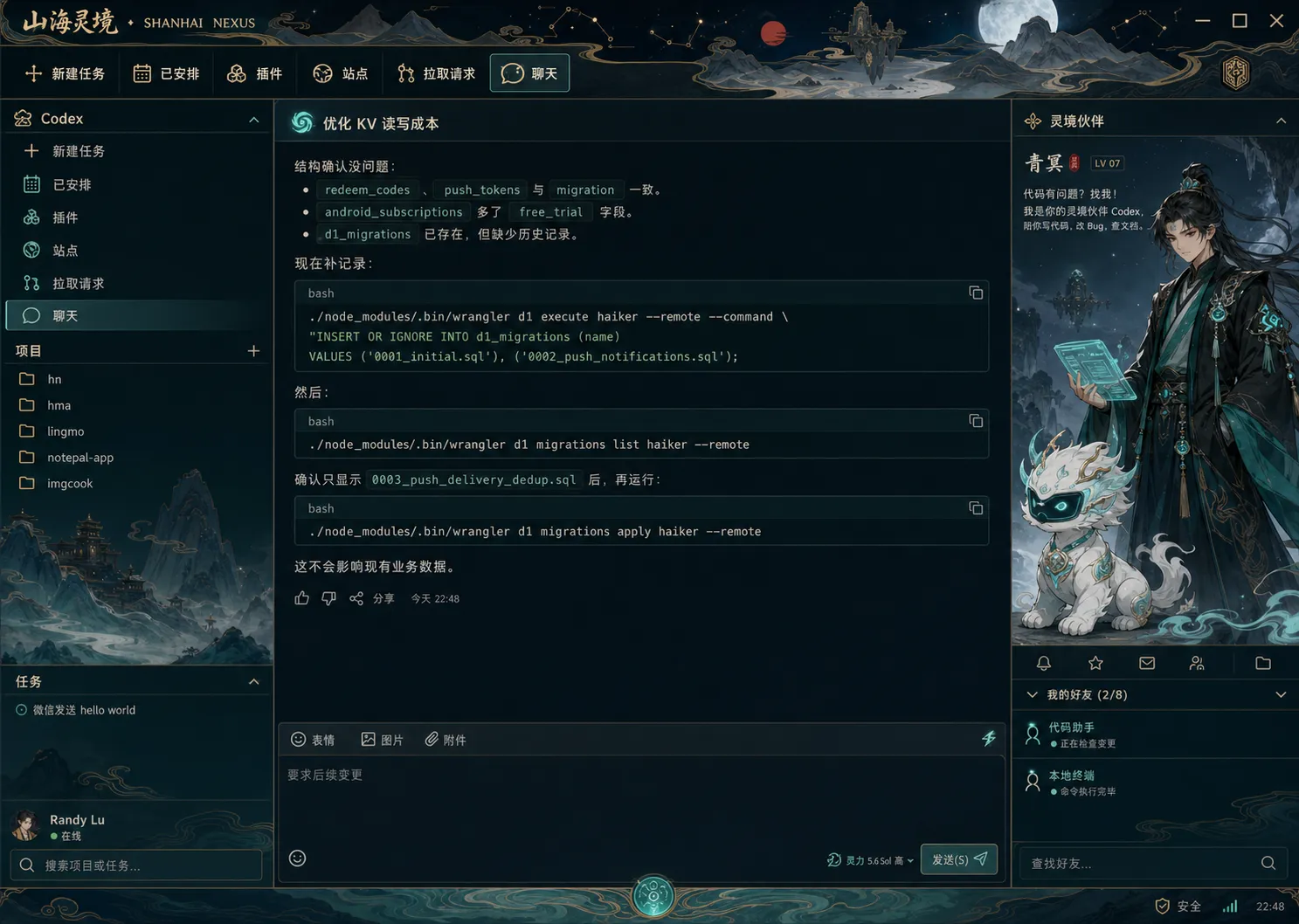
An original guoman fantasy workspace shaped by ink-wash mountains, jade spirit light, and antique-gold linework.

霓虹都市与星轨交织的赛博猎星工作台。
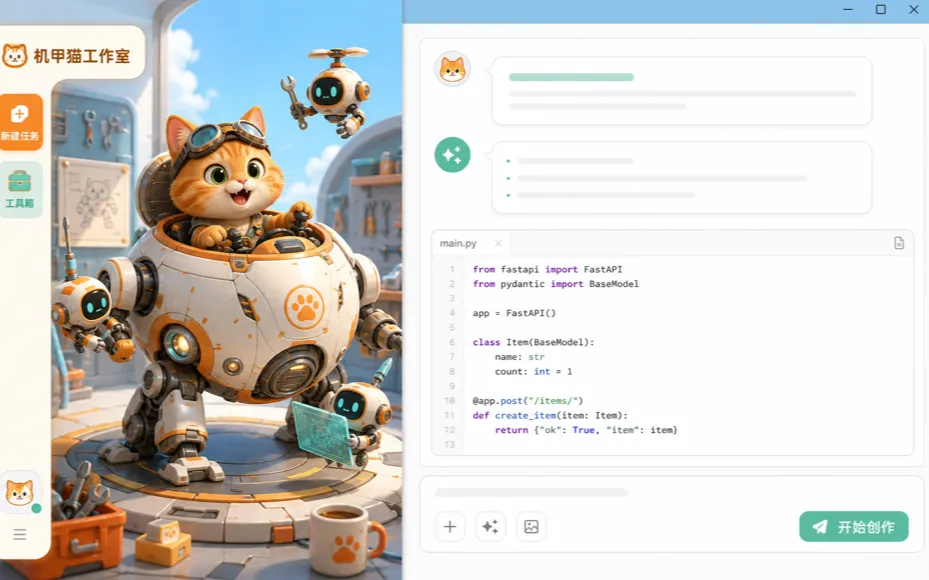
橘猫驾驶员与维修机器人共同值班的明亮创作舱。
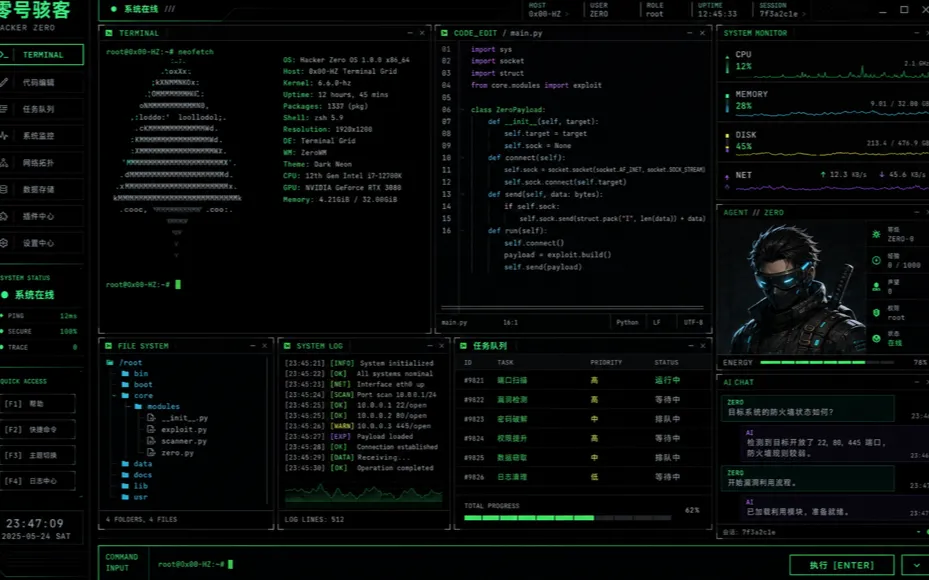
黑绿战术终端、模块化监控与零号特工组成的高密度工作台。
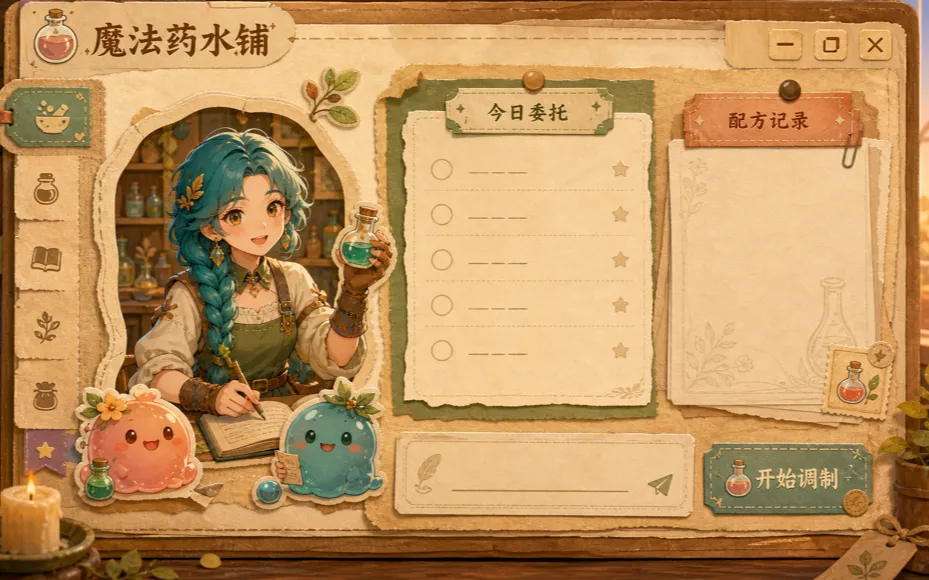
暖金药水铺、纸张任务板与史莱姆助手组成的童话工作台。
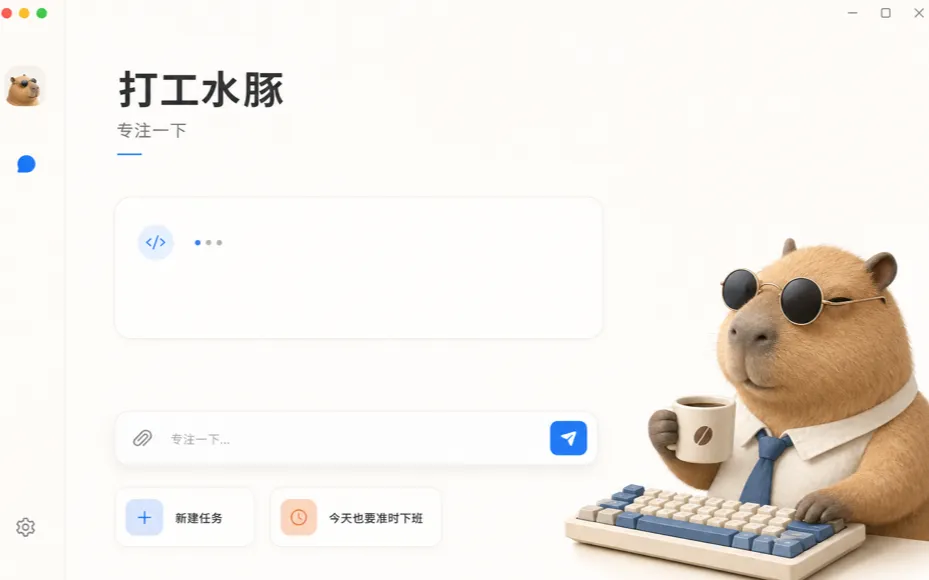
戴着墨镜、端着咖啡的水豚陪你安静完成今天的任务。
Update the official Codex app first, then install the latest Codex Themes.
Open any theme detail page and choose “Use this theme.”
The app finds the theme and asks once more before applying it.
No. It uses a local debugging connection for a visual layer and never patches app.asar or its signature.
The current Beta is not yet Apple-signed or notarized. Choose Open Anyway in System Settings → Privacy & Security. If macOS reports the app as damaged, follow the download-page steps to remove the quarantine attribute from Codex Themes and reopen it.
Browsers do not expose a reliable install status. The site tries the app link first, then shows download help if needed.
Yes. Use the one-click restore action; Codex also returns to its official look after the local guard stops and Codex refreshes.
Apple silicon Macs, Intel Macs, and Windows x64 are supported. Choose the matching installer, then return here and try again.